
Dell computer user manual summary: The model of the Dell computer is D11M, the input voltage is 115/230 V AC, the input frequency is 50 to 60 Hz, and the input current is 7.0 A/4.0 A or 6.0 A/2.1 A.
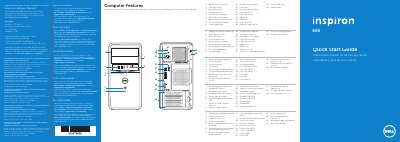
The Dell Inspiron 660 Quick Start Guide provides a visual overview of the computer's hardware features and a step-by-step guide for initial setup. It includes identification of ports, buttons, and indicators for the system.
The document outlines the basic connection process for peripherals, including the keyboard, mouse, network cable, and display, as well as the final Windows setup steps.
| Regulatory model | D11M |
|---|---|
| Input Voltage | 115/230 V AC |
| Input Frequency | 50 to 60 Hz |
| USB 3.0 ports | 4 |
| Expansion card slots | 4 |
If the computer was ordered with an optional discrete graphics card, the display should be connected to the port on that card.
The @ symbol should not be used in the password.