
This ELECOM TK-FBP102 wireless keyboard user manual explains battery installation, power saving, Bluetooth pairing, hotkeys, OS-specific keys, and safety…
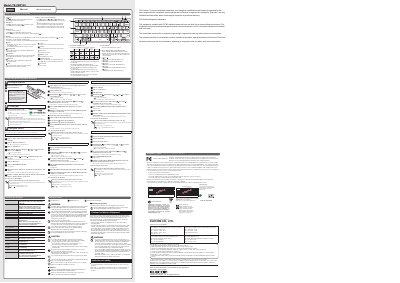
This manual covers the ELECOM TK-FBP102 wireless keyboard, including the name and function of each part, inserting batteries, and turning the power on.
It also describes Bluetooth pairing with Windows, macOS, Chrome OS, iOS/iPadOS, and Android devices, operation mode switching, hotkey functions, LED indicators, and cleaning and safety precautions.
| Maximum paired devices | 3 Bluetooth devices |
|---|---|
| Wireless frequency band | 2.4 GHz |
| Operating distance | 10 m |
| Battery type | AAA alkaline, AAA manganese, or AAA nickel-metal hydride rechargeable |
Press and hold the pairing key and a device key simultaneously for 3 to 4 seconds.
You can register up to 3 Bluetooth devices.
The LED lamp blinks for a while.