
The user manual introduces the features and benefits of the Elo Touch Solutions 3243L/3209L touch display.
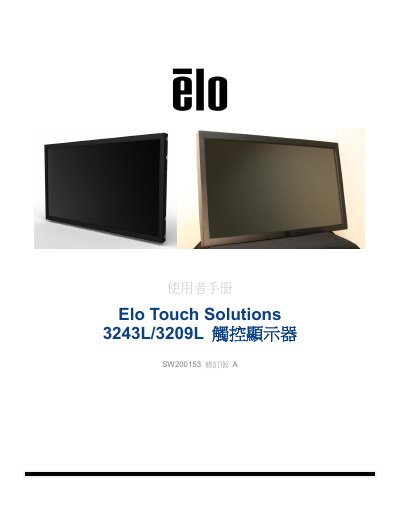
This user manual covers the Elo Touch Solutions 3243L/3209L touch displays, including product features such as a 24-bit color active matrix TFT LCD panel with Full HD resolution (1920x1080) and LED backlighting. It guides users through the setup process, including unpacking, connecting video and power cables, and installing the necessary touch screen drivers for various Windows operating systems. This manual is written in Chinese.
| Resolution | 1920x1080 |
|---|---|
| Panel Type | 24-bit color active matrix TFT LCD |
| Input Voltage | 100 - 240VAC, 50/60Hz, 2.5A |
| Operating Temperature | 0°C - 40°C |
| Humidity (Operating) | 20% to 80% (no condensation) |
The drivers support Windows 7, XP, Vista, WEPOS, and 32-bit Server 2003 and 2008.
The warranty period for the touch display and its components is 3 years.