
User manual for the Elo 90 Series RevB UM600 135 Rev F touch‑screen monitor covering installation, operation, safety and warranty.
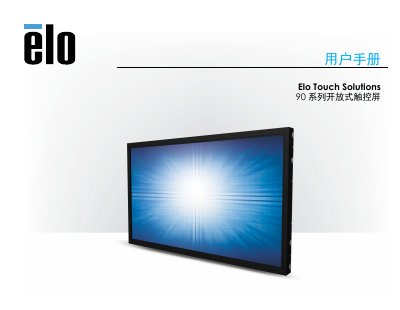
This manual provides all the information needed to install, configure and operate the Elo 90 Series RevB UM600 135 Rev F touch‑screen monitor. It includes step‑by‑step installation instructions, hardware connection details, software driver guidance and safety/maintenance recommendations.
The document also contains technical specifications, regulatory compliance data, and warranty terms, helping users ensure proper setup and long‑term reliability of the device. This manual is written in Chinese.
| Power adapter input voltage | 100‑240 VAC, 50/60 Hz |
|---|---|
| Power adapter output current | 12 VDC, 3.5 A (minimum) |
| Operating temperature | 0 °C ~ 40 °C |
| Operating humidity | 20 % ~ 80 % (non‑condensing) |
No additional drivers are required; the monitor uses the standard Windows HID driver on Windows 7, 8.1, 10 and newer.
The product and its components are covered by a three‑year warranty.