
User manual for Elo Touch Solutions 3243L/3209L touch monitors covering installation, mounting, driver setup, and maintenance.
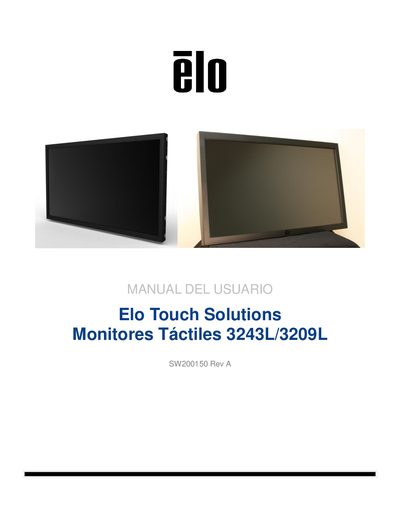
This user manual provides instructions for the Elo Touch Solutions 3243L/3209L touch monitors. It covers the unboxing process, verifying components, and connecting video and power cables. The guide details the installation of touch drivers for various Windows operating systems and explains how to configure the on-screen display (OSD). This manual is written in Spanish.
| Resolution | 1920x1080 pixels |
|---|---|
| Panel Type | Active Matrix LCD |
| Input Voltage | 100 – 240 VCA, 50/60 Hz |
| Operating Temperature | 0 °C - 40 °C |
| Warranty Period | 3 years |
The package includes a VGA cable. HDMI and DVI cables are included only for specific models (ET3243L -XXWA and ET3243L -XXAA respectively).
The included CD contains drivers for Windows 7, XP, Vista, WePOS, and Server 2003 and 2008 (32-bit versions).
The monitor operates within a temperature range of 0 °C to 40 °C.