
Elo Touch Solutions SW602006 Computer Module User Guide

This user guide provides installation and setup instructions for the Elo Touch Solutions SW602006 computer module designed for interactive digital signage…
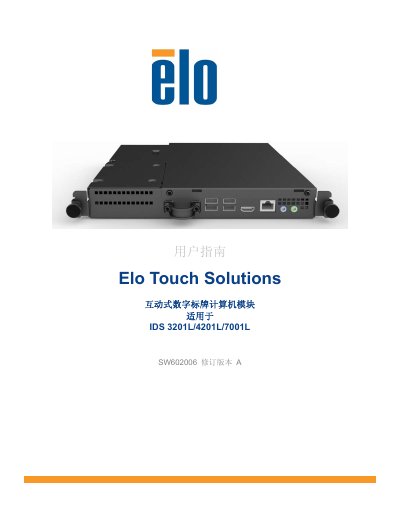

Elo Touch Solutions SW602006 Computer Module User Guide - cover page
Brand
Elo Touch Solutions
Category
Other Computer Accessories
Document type
User Manual
Language
English
Pages
20
File format
PDF
File size
426 KB
Published
17 October, 2026
Updated
17 October, 2026
MD5 checksum
C3BFE7DE72D57A5108232A36973EC4CC

About this manual

The Elo Touch Solutions SW602006 is a second-generation computer module designed to slide into the dock of compatible interactive digital signage touch displays. It transforms the display into a multi-touch computer without affecting the display's dimensions or requiring additional wiring. The module supports Windows 7 and includes drivers for Elo Touch technology.

What's inside

  • Introduction
  • Opening the Package
  • Computer Module Installation
  • Connector Panel and Interfaces
  • Operating System Installation
  • Touch Screen Technology Software Drivers
  • Safety and Maintenance
  • Regulatory Information

Frequently asked questions

What touch display models is this computer module compatible with?

This module is designed for use with IDS 3201L, 4201L, and 7001L interactive digital signage touch displays.

What is the operating temperature range for this device?

The device operates safely within a temperature range of 0°C to 40°C.

Download PDF (426 KB)

More Elo Touch Solutions Manuals


View all Elo Touch Solutions manuals →