
This user manual covers the Elo Touch Solutions I-Series 4.0 interactive kiosk system, including installation, network setup, Android configuration, and…
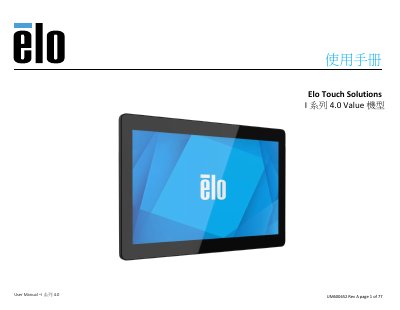
The document is a comprehensive user guide for the Elo Touch Solutions I-Series 4.0 Value model, an Android-based interactive kiosk system. It details product specifications such as the Rockchip RK3399 processor, 4GB RAM, and support for up to 128GB microSD cards. The manual guides users through unboxing, wall mounting using VESA standards, power connection via PoE or DC input, and initial setup. This manual is written in Chinese.
| Operating System | Android 10 |
|---|---|
| Processor | Rockchip RK3399 |
| Memory | 4GB RAM |
| Internal Storage | 32GB NAND Flash Memory |
| Touch Screen | Capacitive; up to 10-point touch |
| Wi-Fi | IEEE 802.11a/b/g/n/ac + Bluetooth 5.0 with BLE |
| Microphone | Analog Microphone |
The device supports micro SD cards with a maximum capacity of 128GB.
The device includes one Type-C port, one USB 3.0 Type A port, and four micro-USB 2.0 ports.
The 10-inch mode uses a 75x75mm four-hole mounting pattern compatible with M4*6 screws.