
This manual covers installation, assembly, operation, technical support, safety, maintenance, regulations, and warranty for the Elo Touch Solutions 32/4243L…
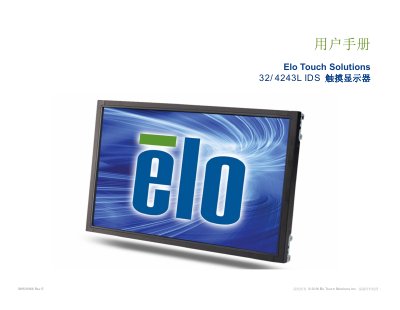
This user manual provides comprehensive instructions for the Elo Touch Solutions 32/4243L IDS series touch monitors. It details the setup process, including unpacking, connecting video and power cables, and installing drivers for Windows 7 and 8 operating systems. The guide explains how to use the On-Screen Display (OSD) controller for adjusting settings like brightness and contrast. This manual is written in Chinese.
| Resolution | 1920x1080 |
|---|---|
| Input Voltage | 100 - 240VAC |
| Frequency | 50/60Hz |
| Operating Temperature | 0°C - 40°C |
| Humidity (Operating) | 20% to 80% |
No, the projector capacitive touch monitor does not require additional drivers as it uses the Windows HID driver.
You can adjust various display parameters using the four buttons on the On-Screen Display (OSD) controller.
The maximum operating altitude is 3,658 meters.