
The Elo Touch Solutions UM600044 A computer module user manual provides installation, setup, safety, regulatory and warranty information for IDS interactive…
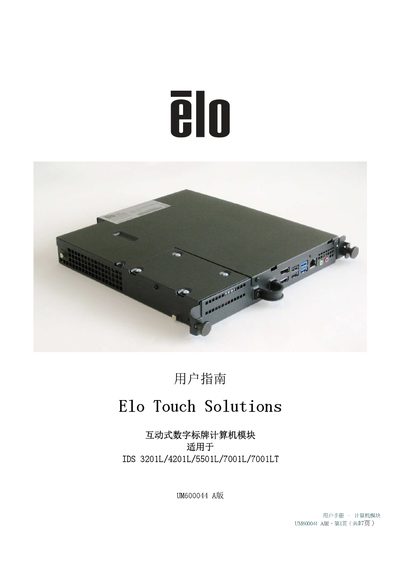
This manual introduces the second‑generation interactive digital signage computer module (ECMG2) and explains how it slides into the back of a touch display without additional wiring. It covers unpacking, installation steps, power connection, and initial Windows 7 configuration.
Additional sections address technical support, safety and maintenance guidelines, environmental and regulatory certifications, and warranty details, with contact information for global Elo Touch Solutions offices. This manual is written in Chinese.
| Operating Temperature | 0‑40 °C |
|---|---|
| Operating Humidity | 20%‑80% non‑condensing |
| Storage Temperature | -20 °C to 60 °C |
| Storage Humidity | 10%‑90% non‑condensing |
| Power Connection | Connect AC power to POWER IN interface |
The module is set up with Windows 7; you need an external mouse and/or keyboard to complete the initial configuration.
The module operates at 0‑40 °C and 20%‑80% relative humidity (non‑condensing), and can be stored at –20 °C to 60 °C and 10%‑90% humidity.
Warranty details are available at http://www.elotouch.com/Support/warranty.asp.