
This user guide provides installation, setup, operation, and troubleshooting instructions for the ELO Touch Solutions 2240L 22-inch embedded LCD touch monitor.
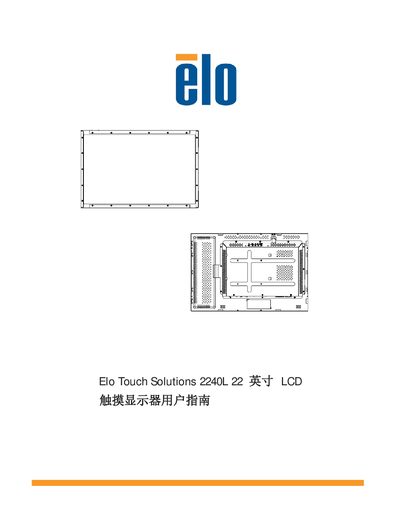
The ELO Touch Solutions 2240L is an embedded touch monitor that combines the reliability of touch technology with the latest LCD design. It supports various touch technologies including APR, IntelliTouch, SecureTouch, and surface capacitive touch, and offers VGA and DVI-D video inputs along with USB and serial interfaces.
This manual covers the complete lifecycle of the device, including unpacking, connecting cables, installing drivers, physical installation using VESA mounts, operating the On-Screen Display (OSD), and troubleshooting common issues. It also includes technical specifications and warranty information. This manual is written in Chinese.
| Screen Size | 22 inches |
|---|---|
| Resolution | 1680 x 1050 |
| Interfaces | USB, Serial |
| Warranty Period | 3 years |
The warranty period for the touch monitor and its components is 3 years.
Insert the TouchTools or APR CD into the computer and follow the on-screen instructions to install the driver.
No, you should not connect both types of cables at the same time.