
Elo Touch Solutions ET1002L/1502L/2002L LCD Touch Monitor User Manual

This user manual covers installation, setup, operation, safety, and technical support for the Elo Touch Solutions ET1002L, ET1502L, and ET2002L LCD touch…
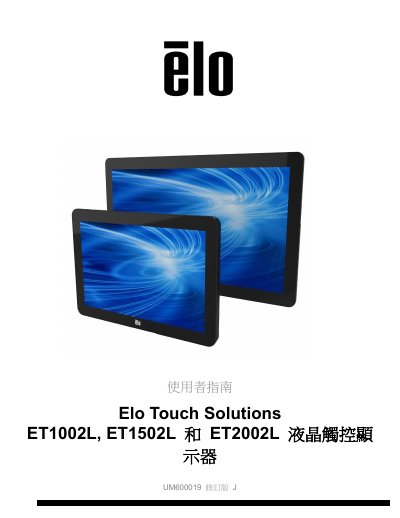

Elo Touch Solutions ET1002L/1502L/2002L LCD Touch Monitor User Manual - cover page
Brand
Elo Touch Solutions
Category
Monitors
Document type
User Manual
Language
Chinese
Pages
26
File format
PDF
File size
972 KB
Published
17 October, 2026
Updated
17 October, 2026
MD5 checksum
B43974C912C1E17447D0CB805B82B69A

About this manual

This manual provides instructions for the Elo Touch Solutions ET1002L, ET1502L, and ET2002L LCD touch monitors. It details the unboxing process, including verifying the contents such as the monitor, stand (for 1502L), cables, and power adapter. The guide explains how to configure the stand for different heights and connect the monitor to a PC and audio source using HDMI, Mini-VGA, or USB cables. This manual is written in Chinese.

What's inside

  • Introduction
  • Installation
  • Mounting
  • Operation
  • Technical Support
  • Safety and Maintenance
  • Regulatory Information
  • Warranty Information

Specifications

Touch TechnologyPCAP

Frequently asked questions

What is the warranty period for these touch monitors?

The warranty covers materials and workmanship defects for three years.

How long do I have to notify the seller if I find a defect?

You must provide written notice within thirty days of discovering the problem.

What are the input voltage and frequency ratings for the power transformer?

The input is rated for 100-240VAC at 50-60Hz.

Download PDF (972 KB)

More Elo Touch Solutions Manuals


View all Elo Touch Solutions manuals →