
Elo Touch Solutions 90 Series Touch Monitor User Manual

This user manual provides installation, operation, maintenance, and technical support information for the Elo Touch Solutions 90 Series Open Frame Touch…
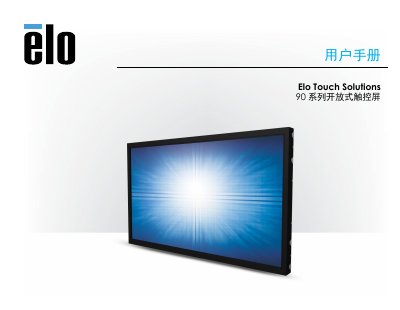

Elo Touch Solutions 90 Series Touch Monitor User Manual - cover page
Brand
Elo Touch Solutions
Category
Monitors
Document type
User Manual
Language
Chinese
Pages
26
File format
PDF
File size
772 KB
Published
18 October, 2026
Updated
18 October, 2026
MD5 checksum
C0C4437A860CD651925478FA0F887D65

About this manual

This manual covers the Elo Touch Solutions 90 Series Open Frame Touch Monitors, which feature 24-bit color active matrix TFT LCD panels with LED backlighting. The series offers various sizes ranging from 10.1 to 27 inches and resolutions from 800x600 to Full HD 1920x1080. It includes instructions for hardware installation, software driver setup, and operational procedures. This manual is written in Chinese.

What's inside

  • Introduction
  • Installation
  • Hardware Installation
  • Operation
  • Technical Support
  • Safety and Maintenance
  • Regulatory Information
  • Warranty Information

Frequently asked questions

What operating systems are supported for the Elo 90 Series touch monitors?

The monitors support Windows 7, 8.1, 10, and higher versions using built-in HID drivers, or Windows XP with a specific driver installation.

What are the operating temperature and humidity limits for the device?

The device operates in temperatures from 0 °C to 40 °C with humidity between 20% and 80% without condensation.

How long is the warranty period for the touch monitor and its parts?

The warranty covers the touch monitor and its parts for a period of 3 years.

Download PDF (772 KB)

More Elo Touch Solutions Manuals


View all Elo Touch Solutions manuals →