
This user manual covers installation, mounting, operation, and technical support for the Elo Touch Solutions 2201L Touchmonitor.
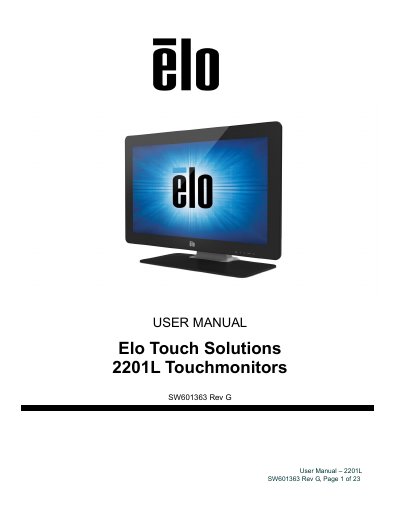
The Elo Touch Solutions 2201L is a Full HD (1920x1080) touchmonitor featuring a 24-bit color active matrix thin-film-transistor LCD panel with LED backlighting. It includes built-in speakers, headphone output, and supports Plug & Play compatibility. The device is factory-calibrated for IntelliTouch Plus technology but can be manually calibrated if necessary.
| Resolution | 1920x1080 |
|---|---|
| Panel Type | 24-bit color active matrix thin-film-transistor LCD |
| Backlight | LED |
| Input Voltage | 100 -240VAC, 50 -60Hz |
| Operating Temperature | 0°C - 40°C |
No additional drivers are required for projected-capacitive touchmonitors with Windows 7 and 8 operating systems, as they use Windows HID drivers.
Press and hold the 'Menu' and 'Down' buttons for two seconds to enable or disable the OSD Locking feature.
When headphones are plugged in, the internal speakers turn off and audio is played over the headphones.