
This user manual provides instructions for unpacking, setting up, configuring system settings, and performing maintenance on the Elo Touch Solutions…
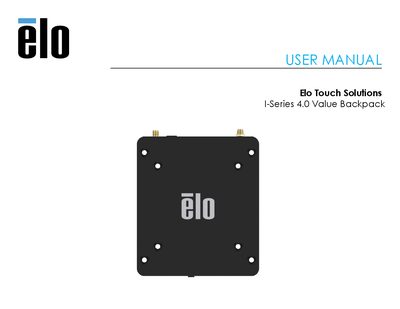
The Elo Touch Solutions I-Series 4.0 Value Backpack is a portable computing device designed to be paired with an external monitor. It features an Android 10 operating system, 4GB of RAM, and supports various connectivity options including Wi-Fi, Bluetooth 5.0, USB Type-C, and Ethernet. The manual details the initial setup process, including unpacking, connecting power and video cables, and powering on the device.
| Operating System | Android 10 |
|---|---|
| Processor | Rockchip RK3399 |
| Memory | 4GB RAM |
| Internal Storage | 32GB NAND flash memory |
| Micro-SD Support | up to 128GB |
| Wi-Fi Standard | IEEE 802.11a/b/g/n/ac |
| Bluetooth Version | 5.0 with BLE |
| USB Ports | 1x Type-C, 4x USB 3.0 Type A |
| Video Ports | 1x HDMI up to 4k 60, 1x Type C up to 1080p |
| Ethernet Speed | 100/100/1000 MHz |
Press the power button for 500 milliseconds.
Press and hold the power button for more than 2 seconds and follow the on-screen display menu.
Press and hold the power button for 12 seconds.