
This user guide covers installation, setup, operation, and troubleshooting for the Elo Touch Solutions 15.6" and 18.5" LCD desktop touchmonitors.
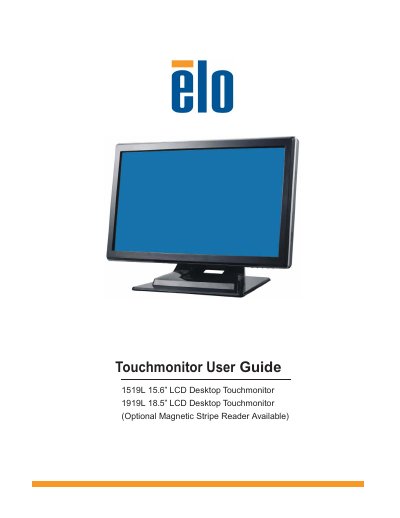
The Elo Touch Solutions 1519L (15.6") and 1919L (18.5") are LCD desktop touchmonitors featuring high-quality TFT displays with resolutions up to WXGA 1366 x 768. These devices support various touch technologies, including AccuTouch, IntelliTouch, Acoustic Pulse Recognition (APR), Projected-Capacitive, and IntelliTouch Plus, as well as an optional magnetic stripe reader.
| Display Size (15.6") | 344.232 x 193.536 mm |
|---|---|
| Display Size (18.5") | 409.8 x 230.4 mm |
| Native Resolution | 1366 x 768 |
| Contrast Ratio | 500 : 1 (typical) |
| Brightness (LCD Monitor) | 250 Cd/m2 typical |
| Response Time | 8ms (Typ.) for 15.6", 5ms (Typ.) for 18.5" |
| Weight (Net) | 5.2Kg |
The monitor supports English, French, Italian, German, Spanish, Japanese, Traditional Chinese, and Simplified Chinese.
The monitor operates in temperatures between 0 C and 40 C.