
VC-A51P/ VC-A51PN HD PTZ Video Camera User Manual, introduces the functions, installation and operation of the product
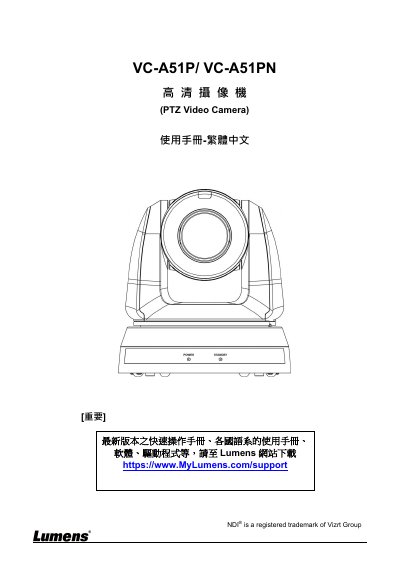
The document is the Traditional Chinese user manual for the Lumens VC-A51P/VC-A51PN HD PTZ video camera. It lists the supplied accessories and describes the camera's I/O ports, LED indicators, and desktop or ceiling installation.
It then covers remote control buttons and on-screen menus, connecting the camera to a network and using web settings, DIP switch settings for output resolution and communication, troubleshooting, and safety instructions. This manual is written in Chinese.
| Dimensions (W x H x D) | 174 x 187 x 186 mm |
|---|---|
| Weight | 2.0 kg |
| Weight with mounting plate | Approximately 2.5 kg |
| Tripod mount | 1/4”-20 UNC |
| Default output resolution | 1920x1080/60p |
| Network power | IEEE 802.3at PoE+ |
| RS-232 cascade | Up to 7 cameras |
The default output resolution is 1920x1080/60p.
Up to 7 cameras can be connected in an RS-232 chain.
The network port supports IEEE 802.3at PoE+ power.
Use 1080p or 720p at 60/50 fps and avoid 25/30 fps.