
This manual provides safety instructions, installation steps, and operating procedures for the Lumens DC190 digital video camera stand.
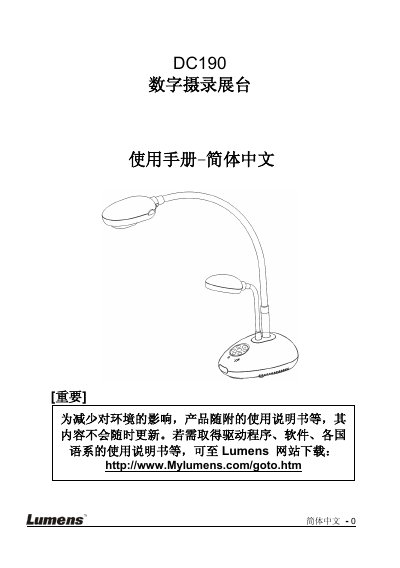
The Lumens DC190 is a digital video camera stand designed for capturing and recording images. This user manual covers essential topics including safety precautions, an overview of included accessories, and detailed product operation diagrams.
The guide provides comprehensive instructions on installing the device, connecting it to various peripherals such as computers, projectors, televisions, and microscopes using specific cables like USB and VGA. It also details how to use the built-in software (Lumens Document) and Ladibug™ for real-time image adjustment. This manual is written in Chinese.
The product is an A-class device suitable for commercial, industrial, or educational environments.
No, because the DC190 does not support USB Audio specifications.
Check the power, connections, signal source settings, projector settings, and DIP switch configuration.