
This manual provides operating instructions, installation guides, and troubleshooting tips for the Lumens PS760 digital document camera.
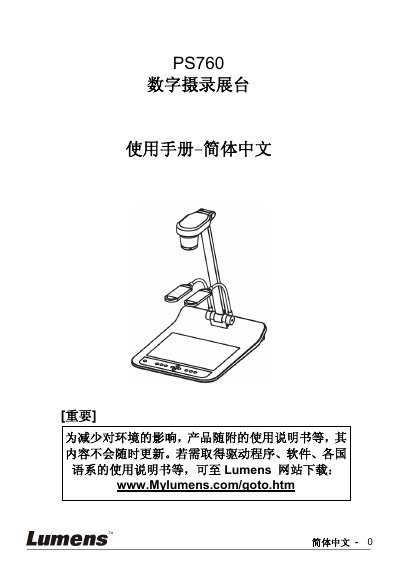
The Lumens PS760 is a digital document camera designed for educational and commercial environments. This manual covers safety precautions, a list of included accessories, and detailed product operation diagrams. It explains how to install the device, connect it to various sources such as projectors, computers, and TVs, and how to use the control panel and remote. Key features include auto-tuning for focus and brightness, image capture and recording capabilities, and various display modes like PIP and spotlight. This manual is written in Chinese.
| Product Class | Class A product |
|---|---|
| Applicable Environment | Commercial, Industrial, or Educational |
No, the PS760 does not support USB Audio specifications, so the built-in microphone cannot be used on the computer.
Recording is not possible when the screen is rotated 90 or 270 degrees.