
This quick operation guide for the Lumens LC200 covers safety instructions, installation, panel descriptions, system settings, and troubleshooting.
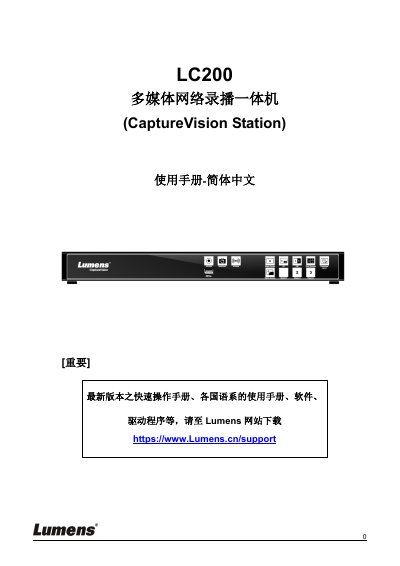
The Lumens LC200 is a multimedia network recording system designed to capture, stream, and manage video content. This document serves as a quick reference for users, covering essential topics such as safety precautions, accessory lists, and hardware interface descriptions including front and rear panels.
The guide details the installation process and functional operations of the device. It explains how to configure system parameters like host identification and time settings, manage recording archives (upload/download/delete), and utilize features such as real-time operation menus and online production switching. This manual is written in Chinese.
The device requires a DC12V power adapter connected to mains electricity.
Press and hold the Snapshot and Switch Channel buttons on the panel for about 5 seconds.