
Installation guide for the Lumens CL510 Document Camera, covering safety, package contents, setup, connections, and troubleshooting.
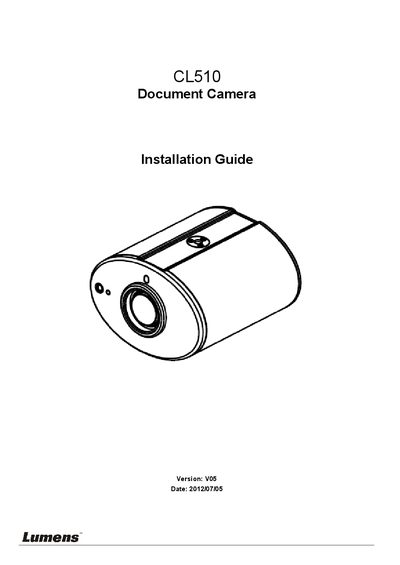
This guide provides instructions for installing and connecting the Lumens CL510 Document Camera. It details safety precautions, package contents, and the physical dimensions of the device with its U-hanger. The document outlines the necessary tools and steps for ceiling mounting, including DIP switch configuration for output modes like XGA, SXGA, and 1080P.
| Length | 126mm (4.96inch) |
|---|---|
| Width | 86mm (3.39inch) |
| Height | 140.9 mm (5.55inch) |
| Height with U-hanger | 220mm (8.66inch) |
| Recommended Installation Distance | not more than 2 meters |
Please confirm if your network communication device is supported for Power over Ethernet (PoE).
Follow the steps for AF Table Set for auto focus setting.
Check for fingerprints or stains on the lens and try to refocus after cleaning.