
User manual for Lumens OIP-D40E encoder and OIP-D40D decoder for HDMI over IP signal transmission, covering installation, WebGUI control, and specifications.
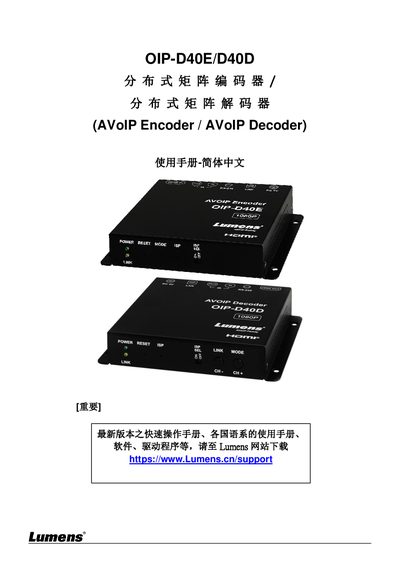
This manual provides instructions for the Lumens OIP-D40E AVoIP Encoder and OIP-D40D AVoIP Decoder, which extend HDMI signals over Cat.5e network cables using TCP/IP protocols. The devices support high-definition video up to 1080p@60Hz and audio, with a transmission distance of up to 100 meters per segment when using Gigabit switches. They facilitate matrix and video wall applications in home and commercial environments. This manual is written in Chinese.
| Video Resolution | 1080p@60Hz |
|---|---|
| Transmission Distance | 100 meters |
| Network Cable Type | Cat.5e |
| RS-232 Baud Rate | 115200bps |
| Power Supply | 5V DC |
No, it is not recommended because most consumer routers cannot handle the high traffic generated by multicast.
Hold the Image Stream button while plugging in the power; wait for POWER and LINK lights to flash simultaneously for 15-30 seconds.