
This manual provides operating instructions, safety guidelines, and troubleshooting tips for the Lumens VS-KB30 keyboard controller used to manage PTZ cameras.
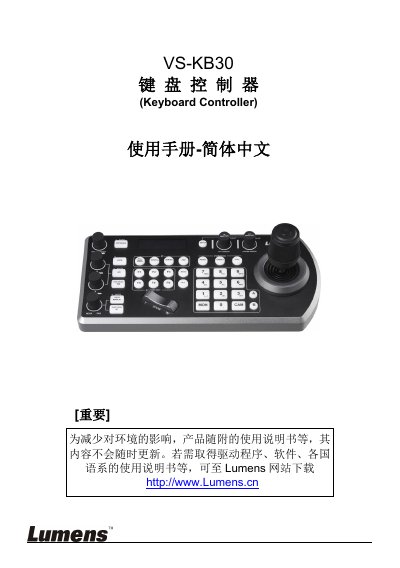
The Lumens VS-KB30 is a keyboard controller designed for controlling PTZ (Pan-Tilt-Zoom) cameras. It features an LCD screen, a joystick for navigation, and multiple connection ports including RS-232, RS-422, IP/Ethernet, and USB. The device supports various camera protocols such as PELCO-D and allows users to manage presets, call specific cameras, and adjust OSD menus directly from the keyboard. This manual is written in Chinese.
The controller can control up to 7 RS422 cameras per group.
The initial password for the keyboard menu setup is 0000.
You must hold the PRESET button for 3 seconds to save a preset position.