
The Lumens DC‑W50 wireless expansion base user manual provides safety guidelines, setup steps, LED indicators, Wi‑Fi configuration and troubleshooting.
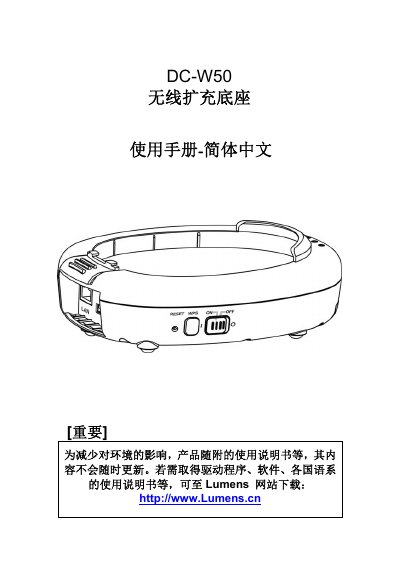
This manual covers safety instructions, packaging contents and the physical layout of the DC‑W50, including the power switch, USB connector, HDMI output and LED status lights. It explains the meaning of each LED color and how to install the device, connect the USB fixing bead, and attach power and network cables.
The guide walks you through wireless network setup, both as an Access Point and as a client, shows how to access the web‑based management interface, change device names, SSIDs and passwords, and provides a detailed troubleshooting section for common connection and power issues. This manual is written in Chinese.
| Battery type | Non‑removable |
|---|---|
| Power indicator colors | Blue = normal, Red = insufficient |
| USB connector | Fixed with bead |
A flashing blue LED means the device is powering on or charging.
Press and hold the Reset button for about 5 seconds to restore factory settings.
Log into the Basic page of the management web interface and edit the Device Name field.