
This manual provides installation, connection, configuration, and operation instructions for the Lumens VS‑LC101 and VS‑LC102 devices.
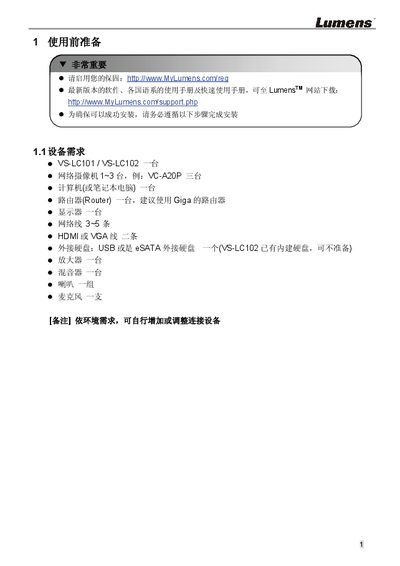
The guide outlines the required equipment and steps to set up the VS‑LC101/VS‑LC102 system, including a computer, router, monitor, HDMI/VGA cables, external storage, and optional audio equipment. It also explains how to register the warranty and download the latest software from the Lumens website.
Detailed procedures cover network configuration, IP address settings, web‑based remote management, storage formatting, video and audio source selection, screen layout planning, and verification of recording and playback functions. The manual includes front‑panel and rear‑panel I/O descriptions, remote‑control shortcuts, and safety information about hazardous substances. This manual is written in Chinese.
| Power input | 12V / 2A |
|---|---|
| Video input | VGA / HDMI |
| Video output | VGA / HDMI |
| Audio input | Line / MIC |
| Audio output | Line |
| Storage interfaces | USB / eSATA |
| Network interface | LAN (RJ45) |
| RS‑232 connector | DIDO RS‑232 |
The default username is admin and the default password is admin.