
This manual provides instructions for the Lumens DC-A11 wireless docking station, covering installation, connection, settings, and troubleshooting.
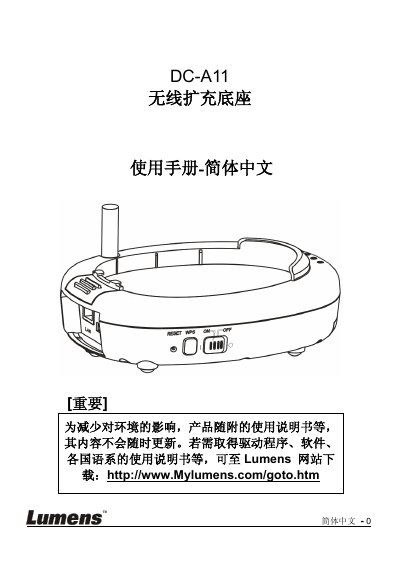
The Lumens DC-A11 is a wireless docking unit designed to connect computers to projectors or displays via a USB interface. This user manual covers safety precautions, package contents, product diagrams, LED status indicators, and detailed installation procedures for both the main unit and the Wireless Dongle.
The guide explains how to configure the device using automatic or manual connection methods, modify network settings such as SSID and encryption, and manage the device through a web interface. It also includes a troubleshooting section addressing common issues like connection failures, black screens in software applications, and password recovery. This manual is written in Chinese.
| FCC ID | YVR-DC-A11 |
|---|---|
| SAR Level | 0.620W/kg |
The equipment must be operated with a minimum distance of 20 cm between the radiator and your body.
The maximum level of Specific Absorption Rate (SAR) measured is 0.620W/kg.