
This manual explains how to install and use the DP Tuner 70 software on Windows to configure color, brightness and signal settings of large‑screen monitors…
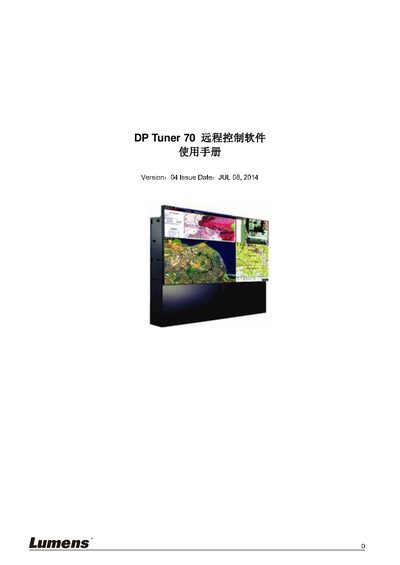
The DP Tuner 70 remote control software provides a PC‑based interface for adjusting the color, brightness and input parameters of large‑screen monitors. It runs on Windows and communicates with the displays through RS232 (or USB/Ethernet adapters) to replace the handheld remote.
The guide covers system requirements, installation steps, initial configuration, detailed function menus for signal source selection, internal color adjustment, external signal control, service parameter settings, and how to save or load configuration files. This manual is written in Chinese.
| Operating System | Windows XP, Vista, Windows 7 or later |
|---|---|
| Display Adapter | XGA or higher |
| CPU | Pentium class or higher |
| Memory | 256 MB or more |
| Hard Disk Space | 30 MB or more |
| Communication Port | RS232 port or compatible (USB‑to‑RS232, Ethernet‑to‑RS232) |
| Ethernet Support | USB‑to‑Ethernet adapter (for CU003 / CU403 models) |
DP Tuner 70 runs on Windows XP, Vista, Windows 7 or any later Windows version.