
This manual provides installation, operation, and troubleshooting instructions for the Lumens VC-B30U PTZ video camera.
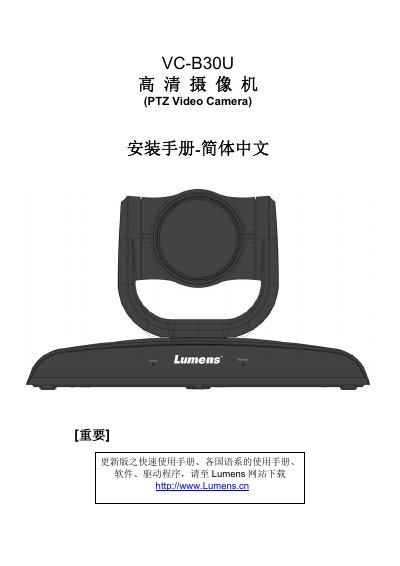
This document serves as the installation and user guide for the Lumens VC-B30U PTZ (Pan-Tilt-Zoom) video camera. It covers essential safety precautions, a list of included accessories, and detailed product descriptions including LED indicators and system requirements for Windows, Chrome, and Mac OS X environments.
The guide provides step-by-step instructions for physical installation on desks or ceilings, connecting various devices via HDMI, USB, or RS232, and configuring the on-screen menu. It also details how to use the remote control for functions such as image freezing, rotation, and focus adjustment, along with DIP switch settings for system configuration and common troubleshooting steps. This manual is written in Chinese.
| System Requirements (Windows) | Windows 7 or above |
|---|---|
| System Requirements (Mac) | Mac OS X 10.8 or above |
| Power Frequency (DIP 3) | 50Hz or 60Hz |
| Output Resolution (DIP 2) | 1080P or 720P |
Check if the power cable is inserted and verify the monitor supports the output resolution (e.g., 1080p60).
If using Mac OS X 10.10 or below, set the DIP Switch DIP4 to ON.