
This manual introduces the usage of PS752 Document Camera.
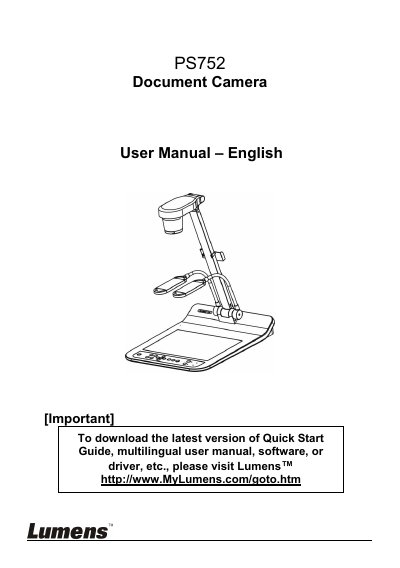
This manual provides step-by-step instructions for installing, connecting, and operating the Lumens PS752 document camera. It covers safety precautions, setup procedures, connection options for projectors, monitors, computers, and HDTVs, and detailed controls for image adjustment, capture, and playback. It also includes troubleshooting tips and DIP switch settings for regional compatibility.
The document includes safety warnings, FCC compliance information, and a global power frequency reference table to assist with proper setup in different regions.
Connect using a VGA cable or USB cable, and use Lumens™ software or an Interactive Whiteboard (IWB).
A USB flash drive with capacity of 4 G and above is recommended (up to 32 G supported).
Refer to Appendix 1 to confirm the applicable voltage frequency and reset the DIP switch according to Chapter 10.