
This is a Bluetooth laser mouse user manual, which mainly introduces the basic operation and usage precautions of the mouse
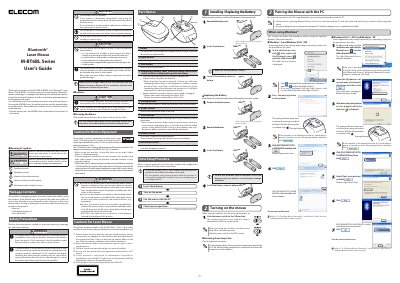
This is the user manual for the ELECOM M-BT6BL Bluetooth laser mouse. It explains how to install batteries, pair the mouse with a PC using Bluetooth, and operate the mouse. Safety precautions are included, such as not exposing the mouse to water or heat, and not observing the laser beam. The mouse has a resolution switch for adjusting cursor speed between 800 and 1600 DPI, and a pairing button for connecting to a PC.
The manual also covers battery replacement, turning the mouse on and off, and troubleshooting. It includes warnings about using the mouse near medical devices or in aircraft, and cautions against using volatile liquids to clean the mouse.
| Resolution Switch | Switches between 800 and 1600 DPI |
|---|---|
| Battery Type | AAA alkaline, manganese, or rechargeable nickel hydride |
| Bluetooth Standard | Bluetooth HID profile |
It uses AAA alkaline, manganese, or rechargeable nickel hydride batteries.
Yes, but your PC must support the Bluetooth HID profile or have a Bluetooth adapter connected.