
This document is the user manual of MR-A39H series USB 2.0 card reader, which introduces the product's use method and precautions.
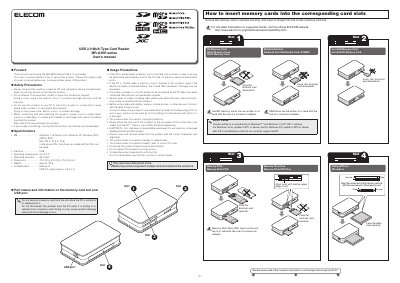
This manual provides instructions for setting up and using the ELECOM MR-A39H Series USB 2.0 Multi Type Card Reader. It details safety precautions, such as avoiding static electricity and ensuring proper connection before data transfer, to prevent product or data damage. The document explains how to insert various memory card types into the four available slots and how to connect the device to a PC using the provided USB cable.
| Operating temperature | 5 to 40°C |
|---|---|
| Operating humidity | 30 to 80% |
| Dimensions | 70.0 (W) x 42.0 (D) x 15.0 (H) mm |
| Weight | Approx. 22 g |
| Interface | USB |
The product supports Windows 7, Vista, XP, 2000, and Mac OS X (10.2 to 10.6).
No, you must not remove a memory card or disconnect the product while the PC is writing to or reading from it, as this may cause file damage or loss.
No, this product does not support standby or sleep modes.