
This document is the instruction manual for the ELECOM TrackBall mouse. It introduces the use of the mouse, connection method, precautions, etc.
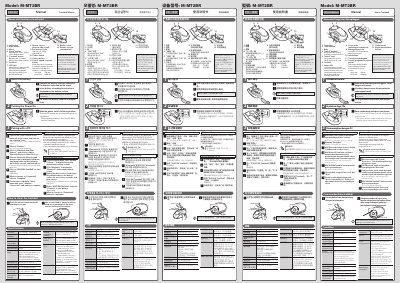
This manual provides instructions for the ELECOM TrackBall mouse, including how to install batteries, turn the device on, and clean the optical sensor. It details the pairing process with PCs running Windows 10, Windows 7, and macOS Mojave.
| Resolution | 750/1500 dpi (switchable) |
|---|---|
| Bluetooth Version | 4.0 Class 2 |
| Radio Frequency | 2.4 GHz |
| Dimensions | Approximately 62 mm × 94 mm × 41 mm |
| Operational Temperature | 5°C to 40°C |
| Supported Battery | AAA alkaline, manganese, or NiMH |
| Operational Time (Alkaline) | Approximately 47 hours continuous |
The mouse offers approximately 47 hours of continuous operation or approximately 208 days of continuous standby time when using alkaline batteries.
Hold down the pairing button on the bottom surface for two to three seconds, then release.
Approximately 47 hours.