
This document is the user manual for the ELECOM Bluetooth® Pantograph Keyboard TK-FBP030E Series.
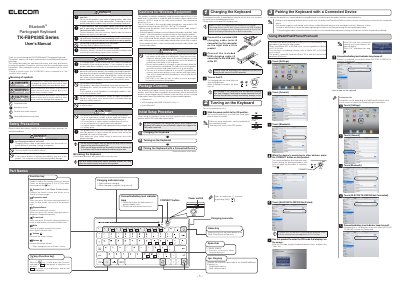
This is the user manual for the ELECOM Bluetooth® Pantograph Keyboard TK-FBP030E Series. It explains how to charge, pair, and operate the device with compatible Bluetooth devices. Safety precautions are emphasized, including battery handling, environmental conditions, and wireless interference. The manual also covers keyboard layout, function keys, and device-specific pairing instructions for iPad, iPhone, and iPod touch.
Charge with the included USB charging cable. Approx. 3 hours of charging time are required for full charge.
This product supports mutt-pairing, which allows multiple Bluetooth devices to be recorded in memory. (Maximum of four).
If the lamp doesn't turn off after 3 hours, remove the USB charging cable and stop charging one time. Charging for more than 3 hours can result in shortening of the battery life, or device malfunction.