
Wireless Bluetooth mouse, the function of the buttons can be adjusted by the computer's own driver, support Windows 10, 8, 7 operating systems
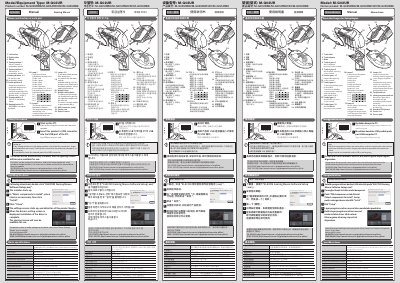
This manual provides instructions for the ELECOM M-GO2UR gaming mouse, including parts identification and setup procedures. It details how to connect the USB connector and install the necessary driver software to enable full functionality.
| Interface | USB |
|---|---|
| Sensor type | Optical sensor |
| Buttons | 13 including wheel button |
| Count number | 400 to 16,000 counts |
| Maximum tracking speed | 400 inches (10.2 m)/ second |
| External dimensions | W79 mm x D133 mm x H44 mm |
Download and double-click the 'ELECOM Gaming Mouse Software Setup(.exe)' file, then follow the installer prompts.
Yes, functions can be assigned to all buttons and the scroll wheel using the special driver.