
This is a 10-button, optical mouse with a scroll wheel that supports Windows® 10, Windows® 8.1, Windows® 7, and Windows Vista® operating systems. You can download the driver from the ELECOM website to customize the button functions.
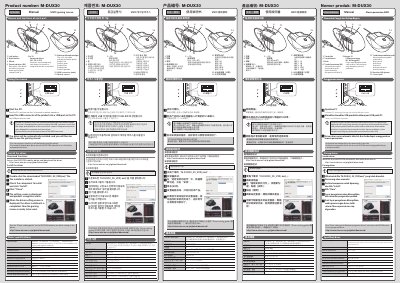
This manual provides instructions for setting up and using the ELECOM M-DUX60BBBK MMO gaming mouse. It details the process of installing the necessary driver software from the ELECOM website to enable advanced button assignment and profile switching features. Users are instructed to connect the USB connector to a PC and follow the installation wizard to activate the mouse's full functionality.
| Interface | USB |
|---|---|
| Reading method | Optical sensor |
| Number of buttons | 10 |
| Resolution | 50 to 2400 dpi |
| Maximum polling rate | 1000 Hz/sec |
| Maximum acceleration detected | 10 G |
| Cable length | 1.5 m |
You need to download a driver from the ELECOM website to use its button assignment function.
The mouse supports Windows 10, Windows 8.1, Windows 7, and Windows Vista.