
This document introduces the use of WRH-150x-G series hotel wireless routers, mainly including the basic functions, installation and configuration, usage methods and troubleshooting.
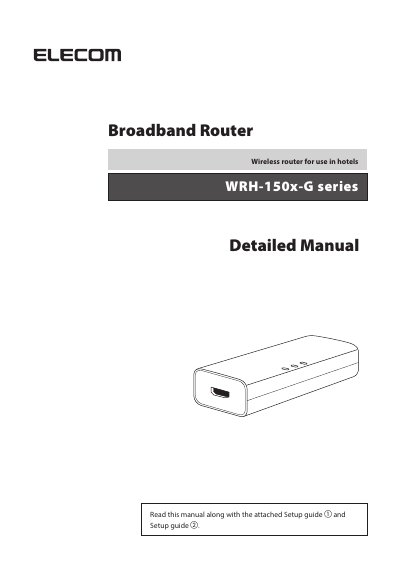
This document serves as a detailed manual for the ELECOM WRH-150x-G series, a broadband wireless router specifically designed for use in hotels. It provides comprehensive instructions on safety precautions, product overview, and implementation steps including setup flows for both hotel and home use.
| Data transfer speed (wired) | 10/100 Mbps (automatic judgement) |
|---|---|
| Number of port (wired) | WAN port: 1 Port |
| Power consumption | 250 mA (maximum) |
| Operation temperature | 0ºC-40ºC |
| External dimensions | Approx. 59.5 (W) x 23.4 (D) x 14 (H) mm |
| Weight | Approx. 12.7 g |
The default user name is admin and the password is admin.
The default IP address at the LAN side is 192.168.2.251.
The default SSID is elecom2g-xxxxxx.