
This is the manual of a 2.4GHz wireless mouse.
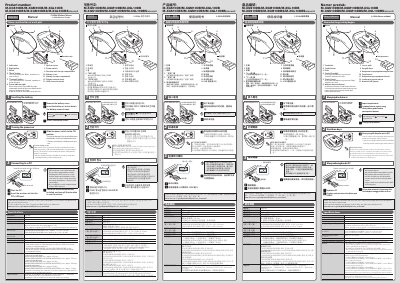
This manual provides instructions for using ELECOM's 2.4GHz wireless mouse, including battery installation, USB connection, and power-saving mode. It covers model variants M-XGS1ODB, M-XGM1ODB, and M-XGL1ODB, with specifications such as 2000 dpi resolution and GFSK modulation. The manual includes diagrams and multilingual sections for setup and troubleshooting. This manual is written in Chinese.
| Resolution | 2000 dpi |
|---|---|
| Interface | USB |
| Modulation | GFSK |
| Operating Distance (Magnetic Surface) | Approx. 3m |
| Operating Temperature | 5°C to 40°C / 90% RH or less (without condensation) |
| Storage Temperature | -10°C to 40°C / 90% RH or less (without condensation) |
| Battery Type (M-XGS1ODB Series) | Two AAA alkaline, manganese, or NiMH rechargeable batteries |
| Continuous Operating Time (M-XGS1ODB Series) | Approx. 333 hours |
| Continuous Standby Time (M-XGS1ODB Series) | Approx. 97 days |
| Estimated Usage Time (M-XGS1ODB Series) | Approx. 650 days |
| Supported Operating Systems | Windows 10, 8, 8.1, 7, Vista, XP; macOS 10.10, 10.11 |
On magnetic surfaces, the operating distance is approximately 3 meters.
The mouse supports Windows 10, 8, 8.1, 7, Vista, XP, and macOS 10.10, 10.11.