
This document is a wireless keyboard manual
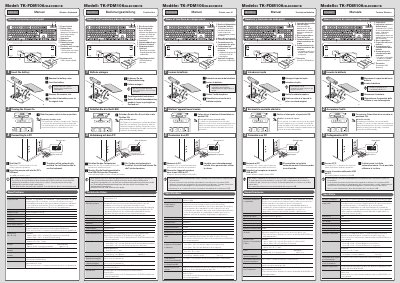
This document is the user manual for the ELECOM TK-FDM106 wireless keyboard. It details the name and function of each part, such as the power switch, battery lamp, and receiver unit. The guide provides step-by-step instructions for installing batteries, turning the device on, and connecting the receiver unit to a PC via a USB port. It also explains the keyboard's standby mode behavior.
| Number of keys | 109 keys Japanese layout |
|---|---|
| Key pitch | 19.9mm |
| Key stroke | 5.5mm |
| Radio frequency | 2.4 GHz band |
| Radio wave method | GFSK |
| Wireless range (non-magnetic) | Approximately 10 m |
| Wireless range (magnetic) | Approximately 3 m |
| Receiver unit dimensions | Approx. 20 x 18 x 7 mm |
| Keyboard weight (excluding battery) | Approx. 568 g |
| Supported battery | Any one of AA alkaline, AA manganese, or AA nickel-metal hydride |
| Estimated battery life | Approximately 4 years |
The estimated battery life is approximately 4 years when using an alkaline battery.
The battery lamp will blink orange during keyboard input if the battery is low.