
This document is a quick start guide that introduces how to install UniFi Cloud Key Gen2
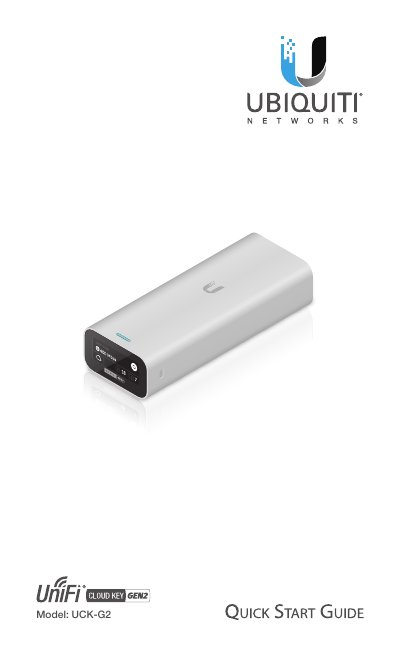
This guide helps you install and configure the UniFi Cloud Key Gen2. It includes hardware details, network setup, and system requirements. The device connects via Ethernet to a PoE switch or USB-C power source and supports remote access through the UniFi App or web browser. This manual is written in Chinese.
| Dimensions | 27.10 x 46.80 x 119.75 mm (1.07 x 1.84 x 4.71") |
|---|---|
| Weight | 172 g (6.07 oz) |
| Power Supply | 802.3af PoE or USB-C 5VDC, Minimum 1A |
| Max. Power Consumption | 5W |
| Operating Temperature | 0 to 35° C (32 to 95° F) |
| Operating Humidity | 20 to 80% Noncondensing |
| Certifications | CE, FCC, IC |
You need the latest version of the UniFi App (available on App Store and Google Play) and the latest Google Chrome browser for web access.
It can be powered by an 802.3af-compliant switch (like a UniFi PoE Switch) or a USB-C power adapter supporting Quick Charge 2.0 or 3.0.
The blue LED flashing indicates the device is configured and ready for use.
Press and hold the Reset button for more than five seconds until the status LED begins flashing white.