
Quick Start Guide for Ubiquiti Networks EdgeSwitch ES-16-150W, a managed PoE+ Gigabit Switch with SFP ports.
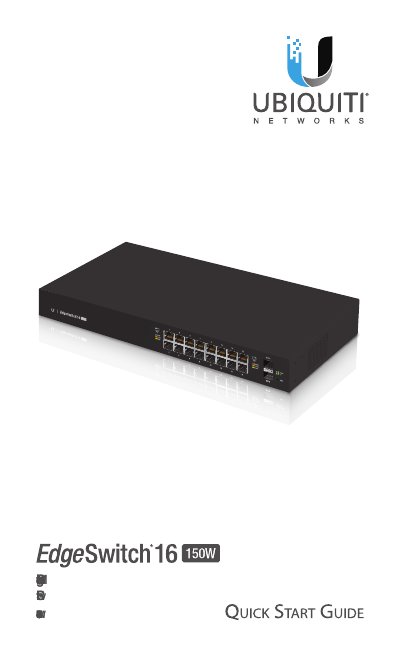
This Quick Start Guide helps you install and configure the Ubiquiti Networks EdgeSwitch ES-16-150W. It covers package contents, hardware overview, LED status, reset procedures, and connection guidelines. The switch supports 16 RJ45 ports and 2 SFP ports for 1 Gbps connections, with PoE+ and PoE capabilities. It includes mounting instructions and power connection steps. Firmware updates and UNMS management are also mentioned.
| Dimensions | 443 x 43 x 221 mm (17.44 x 1.69 x 8.70") |
|---|---|
| Weight | 2.80 kg (6.17 lb) with Mount Brackets |
| Total Non-Blocking Line Rate | 18 Gbps |
| Max. Power Consumption | 150W |
| Power Method | 100-240VAC/50-60 Hz, Universal Input |
| Operating Temperature | -5 to 40° C (23 to 104° F) |
| Operating Humidity | 5 to 95% Noncondensing |
| Certifications | CE, FCC, IC |
It has 16 RJ45 ports supporting 10/100/1000 Ethernet and 2 SFP ports supporting 1 Gbps connections.
It requires 100-240VAC/50-60 Hz, universal input, with an internal AC/DC 150W power supply.
The maximum wattage per PoE+ port is 34.2W.