
This Quick Start Guide covers installation, system requirements, hardware overview, and network topology for the Ubiquiti Networks US-48-500W and US-48-750W…
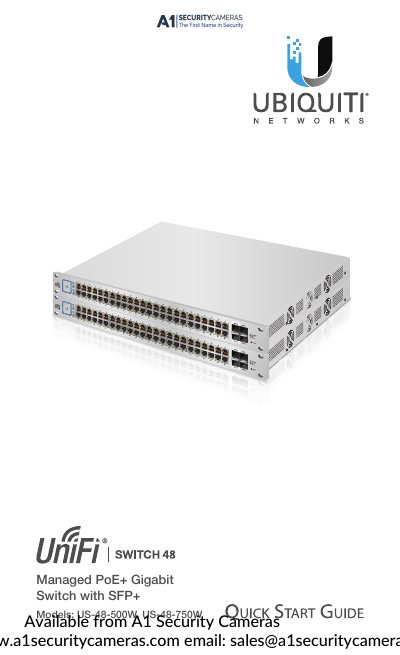
This document serves as a Quick Start Guide for the Ubiquiti Networks UniFi Switch models US-48-500W and US-48-750W. It provides essential information for initial setup, including package contents, system requirements, and network topology requirements for deployment.
| Interfaces | 48 x 10/100/1000 Mbps RJ45 Ethernet Ports |
|---|---|
| Total Non-Blocking Line Rate | 70 Gbps |
| Max. Power Consumption | 500W (US-48-500W), 750W (US-48-750W) |
| Operating Temperature | -5 to 40° C (23 to 104° F) |
| Rack-Mount | Yes, 1U High |
The system requires Linux, Mac OS X, or Microsoft Windows 7/8/10, Java Runtime Environment 1.6 (1.8 or newer recommended), and a web browser like Firefox, Chrome, Edge, or IE 11.
Press and hold the Reset button for more than five seconds to restore the device to factory default settings.