
Installation and setup instructions for the Ubiquiti Networks RocketM5 GPS base station, covering hardware overview, antenna connection, and power…
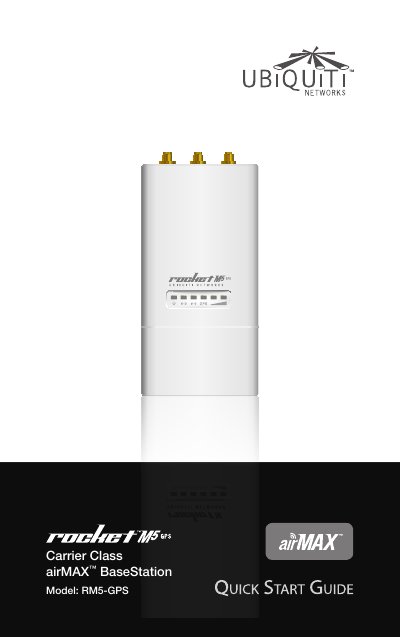
This Quick Start Guide provides installation instructions for the Ubiquiti Networks RocketM5 GPS (Model RM5-GPS). It details the package contents, hardware overview, and LED indicator meanings to help users verify device status.
| Dimensions | 16 x 8 x 3 cm |
|---|---|
| Weight | 0.5 kg |
| Ports | (2) 10/100 Ethernet Port |
| RF Connectors | (2) RPSMA and (1) SMA (Waterproof) |
| Max Power Consumption | 8 Watts |
| Power Supply | 24V, 1A PoE Supply Included |
| Operating Temperature | -30 to 75° C |
| Operating Humidity | 5 to 95% Condensing |
| Operating Frequency | 5170 - 5875 MHz |
The GPS LED lights up green when the GPS signal strength can sustain airSync operation, which requires a minimum of 3 satellite connections.
The Secondary Ethernet Port is capable of 24V Power over Ethernet output, which can be enabled using the airOS interface.
Shielded Category 5 (or above) cabling should be used for all wired Ethernet connections and should be grounded through the AC ground of the PoE.