
This quick start guide covers installation, rack-mounting, and system requirements for the Ubiquiti Networks UniFi US-16-150W managed switch.
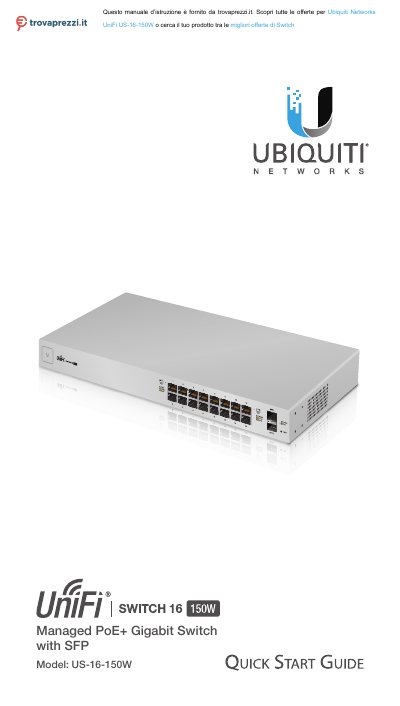
The document serves as a Quick Start Guide for the Ubiquiti Networks UniFi US-16-150W, a managed PoE+ Gigabit Switch with SFP ports. It details package contents, system requirements including operating systems and browser compatibility, and network topology prerequisites such as DHCP and controller software versions.
| Interfaces (RJ45) | (16) 10/100/1000 Mbps RJ45 Ports |
|---|---|
| Interfaces (SFP) | (2) 1 Gbps SFP Ports |
| Total Non-Blocking Line Rate | 18 Gbps |
| Max. Power Consumption | 150W |
| Power Method | 100-240VAC/50-60 Hz, Universal Input |
| Operating Temperature | -5 to 40° C (23 to 104° F) |
| Dimensions | 443 x 43 x 221 mm (17.44 x 1.69 x 8.70") |
| Weight With Mount Brackets | 2.80 kg (6.17 lb) |
The document requires UniFi Controller software v4.8.5 or newer.
For indoor applications, use Category 5 (or above) UTP cabling approved for indoor use.
Press and hold the Reset button for more than five seconds.