
Instructions to configure Ubiquiti Networks UniFi VoIP Phones (UVP, UVP-Pro, UVP-Executive) with third-party PBX systems like Asterisk and FreeSwitch.
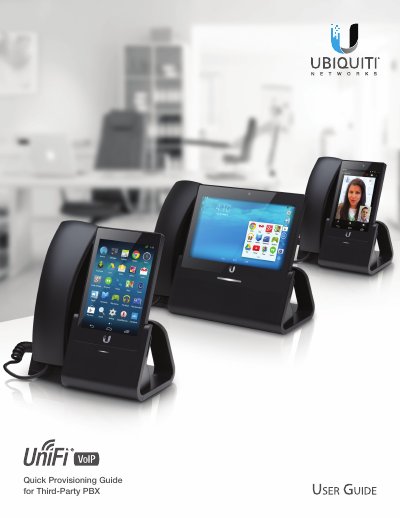
This guide provides step-by-step instructions on how to configure a UniFi® VoIP Phone for use with various third-party Private Branch eXchange (PBX) systems. The supported PBX platforms include Asterisk, FreeSWITCH, 3CX, Elastix, FreePBX, and FusionPBX.
The configuration process involves two main steps: first, creating a phone extension on the chosen PBX system; second, configuring the phone's SIP settings to connect to that PBX. The document details specific file modifications for Asterisk and FreeSWITCH, as well as the menu navigation required to set up accounts directly on the device.
| Supported Models | UVP, UVP-Pro, UVP-Executive |
|---|
This guide provides instructions for the UVP, UVP-Pro, and UVP-Executive models.
You must first configure the PBX with the extension of each phone, then configure the phone's SIP settings.
The phone will display 'Not connected to server (error: 408)' instead of showing that receiving calls is available.