
This Quick Start Guide covers installation, hardware overview, LED status descriptions, grounding, power connection, and initial EdgeOS configuration for…
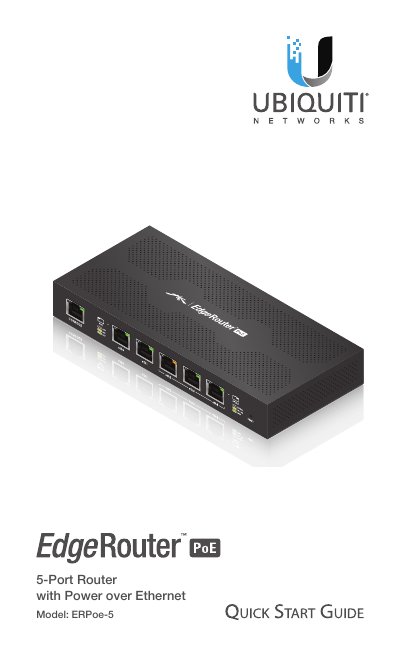
This document serves as a Quick Start Guide for the Ubiquiti Networks EdgeRouter PoE 5-Port Router (Model: ERPoe-5). It provides instructions for unpacking the device, wall mounting, and connecting power. The guide details the front and back panel hardware, including port descriptions and LED status indicators for power, link, and PoE activity.
| Dimensions | 200 x 90 x 30 mm (7.87 x 3.54 x 1.18") |
|---|---|
| Weight | 360 g (12.7 oz) |
| Power Input | 24VDC / 48VDC |
| Processor | Dual-Core 500 MHz, MIPS64 |
| System Memory | 512 MB DDR2 RAM |
| Code Storage | 2 GB |
| Operating Temperature | -30 to 50° C (-22 to 122° F) |
| Operating Humidity | 10 to 90% Noncondensing |
The default username is 'ubnt' and the password is also 'ubnt'.
You can perform a runtime reset by holding the Reset button for about 10 seconds until the right LED on port eth4 starts flashing and then becomes solidly lit.