
Installation and setup instructions for the Ubiquiti Networks ER-8 8-Port EdgeRouter, including hardware overview, mounting, and accessing the EdgeOS interface.
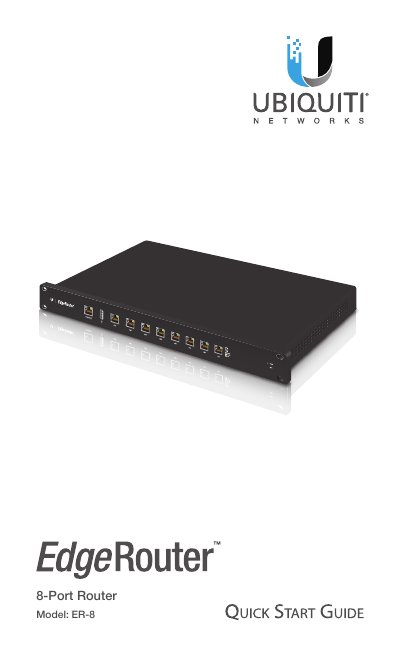
This Quick Start Guide provides installation instructions for the Ubiquiti Networks ER-8 8-Port EdgeRouter. It details the package contents, hardware overview including front and back panel ports and LEDs, and requirements for rack or wall mounting. The guide also covers safety warnings regarding ventilation and power.
| Dimensions | 484 x 164 x 44 mm (19.06 x 6.46 x 1.73") |
|---|---|
| Weight | 2.3 kg (5.07 lb) |
| Max. Power Consumption | 35W |
| Power Method | 110 - 240VAC |
| Power Supply | Internal AC/DC Power Adapter, 60W (24V, 2.5A) |
| Processor | Dual-Core 800 MHz, MIPS64 with Hardware Acceleration for Packet Processing |
| System Memory | 2 GB DDR3 RAM |
| Code Storage | 4 GB |
| Data Ports | (8) 10/100/1000 RJ45 Ethernet Ports |
| Operating Temperature | -10 to 45° C (14 to 113° F) |
The default username and password are both 'ubnt'.
For indoor applications, use Category 5 (or above) UTP cabling approved for indoor use.