
This is a wireless access point that supports IEEE 802.11b/g/a protocols, and can work in Client, Access Point and WDS modes.
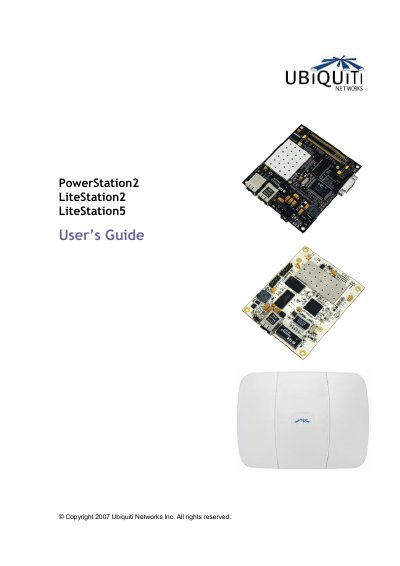
This guide provides instructions for the Ubiquiti Networks PowerStation2, LiteStation2, and LiteStation5 devices. It covers quick setup procedures including IP configuration, SSID association, and security settings. The manual also details advanced configuration options such as wireless traffic shaping, QoS, and system maintenance.
| Supported Modes | Client (Station), Access Point and WDS modes |
|---|---|
| PowerStation2/LiteStation2 Modes | IEEE 802.11b/g |
| LiteStation5 Mode | IEEE 802.11a |
| Default IP Address | 192.168.1.20 |
| Default Username | ubnt |
| Default Password | ubnt |
| Logo Size Limit | 50Kb |
| Logo Max Height | 70 pixels |
| Logo Format | .gif |
The default IP address is http://192.168.1.20/.
The default username is ubnt and the default password is ubnt.
The logo must be under 50Kb, have a maximum height of 70 pixels, and be in .gif format.