
This document is a Quick Start Guide for Ubiquiti Networks™ Rocket™M Titanium, providing instructions for installation and accessing the airOS™ Configuration Interface. It also includes warranty terms and applicable model information.
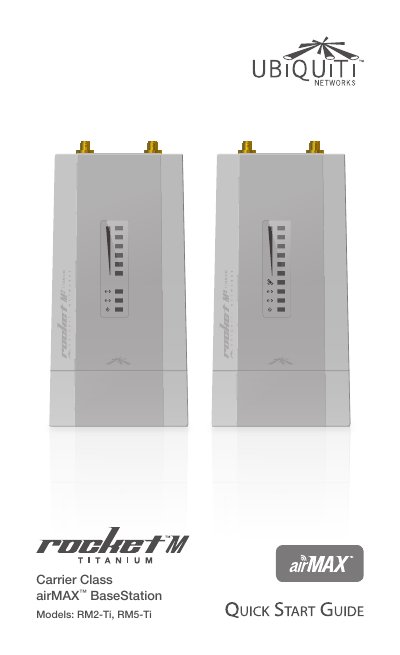
This Quick Start Guide provides instructions for installing and configuring the Ubiquiti Networks RocketM Titanium Carrier Class airMAX BaseStation models, specifically the RM2-Ti and RM5-Ti. It details the package contents, hardware overview, and installation requirements, emphasizing the use of shielded Ethernet cabling and professional installation for warranty compliance.
| Operating Frequency (RM2-Ti) | 2412 - 2462 MHz |
|---|---|
| Operating Frequency (RM5-Ti) | 5170 - 5875 MHz |
| Main Ethernet Port | 10/100/1000 Mbps |
| Secondary Ethernet Port | 10/100 Mbps |
| Weight | 350 g |
| Operating Temperature | -30 to 75° C |
| Operating Humidity | 5 to 95% Condensing |
GPS antenna must have a clear line of sight to the sky, and shielded Category 5 or above cabling must be used for wired Ethernet connections.
Yes, Ubiquiti radio devices must be professionally installed as a condition of the product warranty.
The device uses a 48V, 0.5A PoE Adapter included in the package.