
Ubiquiti Networks US-48-500W/750W Managed PoE+ Gigabit Switch Quick Start Guide

Quick Start Guide for installing and configuring Ubiquiti Networks US-48-500W and US-48-750W Managed PoE+ Gigabit Switches with SFP+ ports.
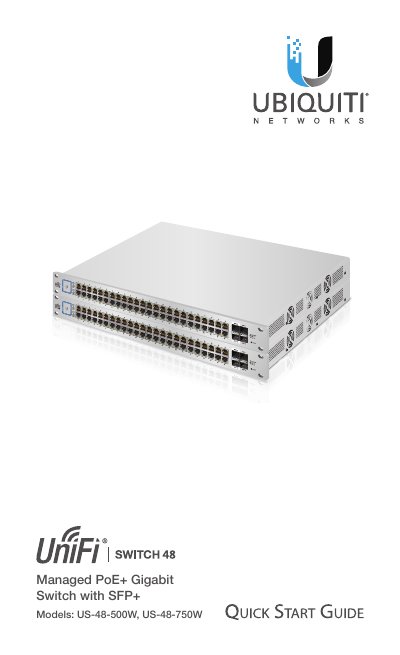

Ubiquiti Networks US-48-500W/750W Managed PoE+ Gigabit Switch Quick Start Guide - cover page
Brand
UBIQUITI NETWORKS
Category
Other network devices
Document type
Quick Start Guide
Language
English
Pages
24
File format
PDF
File size
10.1 MB
Published
29 October, 2026
Updated
29 October, 2026
MD5 checksum
1DCB9050B95E186C297C720F676FA844

About this manual

This Quick Start Guide provides installation instructions and warranty terms for the Ubiquiti Networks UniFi Switch models US-48-500W and US-48-750W. It details package contents, system requirements, and network topology requirements for deployment.

What's inside

  • Introduction
  • System Requirements
  • Network Topology Requirements
  • Hardware Overview
  • Installation Requirements
  • Hardware Installation
  • Connecting Ethernet
  • Using SFP+ and SFP Ports
  • Specifications

Specifications

Interfaces48x 10/100/1000 Mbps RJ45, 2x 1/10 Gbps SFP+, 2x 1 Gbps SFP
Total Non-Blocking Line Rate70 Gbps
Operating Temperature-5 to 40° C (23 to 104° F)
Rack-MountYes, 1U High
PoE StandardIEEE 802.3af/at

Frequently asked questions

What system requirements are needed for the UniFi Switch?

The switch requires a computer running Linux, Mac OS X, or Windows 7/8/10 with Java Runtime Environment 1.6 or newer and a supported web browser.

What type of Ethernet cabling is required?

All Ethernet cabling runs must use CAT6 cabling.

How do I restore the switch to factory defaults?

Press and hold the Reset button for more than five seconds.

Download PDF (10.1 MB)

More UBIQUITI NETWORKS Manuals


View all UBIQUITI NETWORKS manuals →