
This quick start guide covers installation, hardware overview, LED status explanations, and setup procedures for the Ubiquiti Networks EdgeSwitch ES-16-150W…
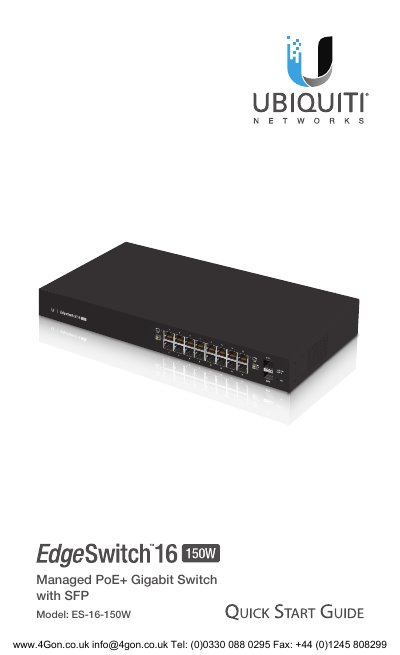
This document serves as a quick start guide for the Ubiquiti Networks EdgeSwitch ES-16-150W, a managed PoE+ Gigabit switch featuring SFP ports. It provides instructions for unboxing, installation requirements, and hardware mounting options including rack and wall mounting.
The guide details the front panel components, including RJ45 ports supporting 10/100/1000 Ethernet and hot-swappable SFP ports. It explains the status of System, SFP, and RJ45 LEDs, and describes the two methods for resetting the device to factory defaults: runtime reset and power-on reset.
| Total Non-Blocking Line Rate | 18 Gbps |
|---|---|
| Max. Power Consumption | 150W |
| Operating Temperature | -5 to 40° C |
| Weight With Mount Brackets | 2.80 kg |
| PoE Interfaces | PoE+ IEEE 802.3af/at |
The required baud rate for the Console port is 115200.
The maximum wattage per port for PoE+ is 34.2W.