
This file is M80X wireless notebook mouse user manual, which introduces the operation methods of mouse on/off, battery replacement, etc.
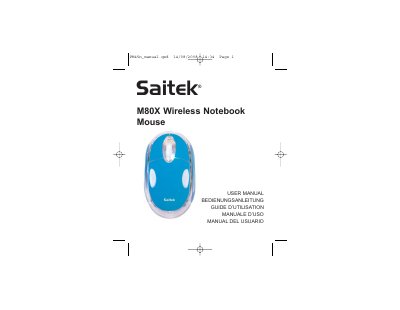
This manual covers the operation of the Saitek M80X Wireless Notebook Mouse, including how to power the device on and off using the button on the underside. It details the installation process for the included nano wireless receiver and provides troubleshooting steps if the mouse does not function correctly.
| Battery Type | 2 AAA rechargeable batteries |
|---|---|
| System Compatibility | Windows XP/XP64/Vista/Mac OS X |
Press the power button on the underside and hold it for 3 to 5 seconds.
It indicates that the batteries are running down and need to be replaced.